FREE shipping on your first order! Place your order now.

Shop Now

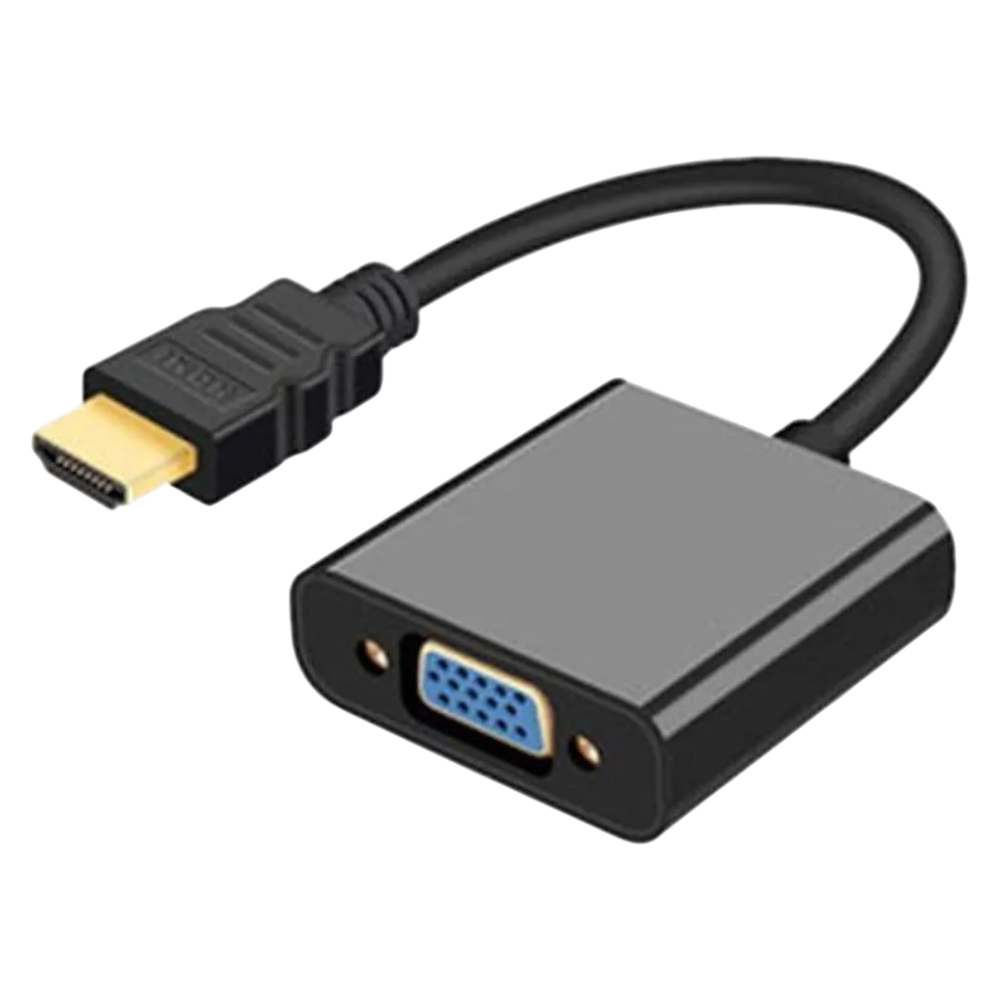
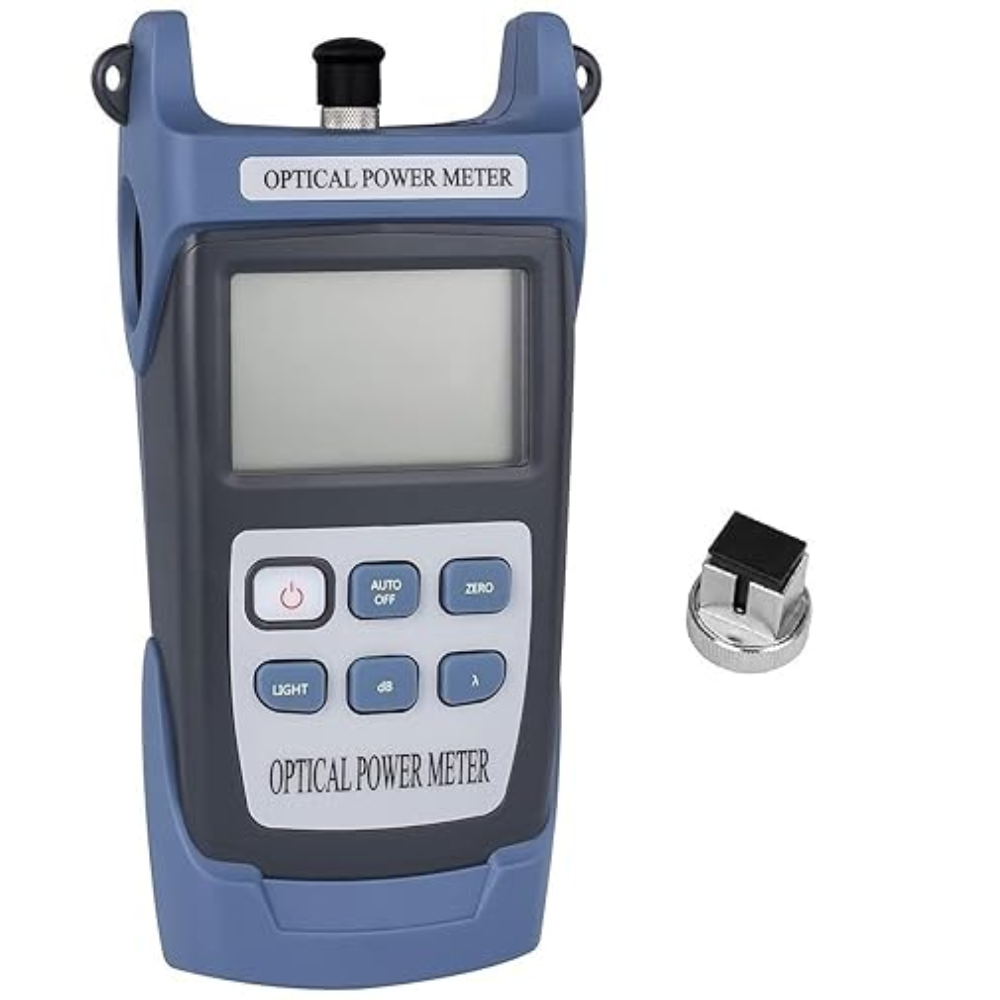
Vtc-830 Fiber Optical Power Meter Laser Cable Db Tester Optic Ftth Telecom Catv High Power Test Ftth+25 To-50Db Fc/Sc Power Meter Optical Fiber,Telecom Tester(2000 Counts,Blue)Battery_powered

2
SKU: FI-32
True
Current price is: 17.37
In Stock


Add to cart
Add to wishlist
Seller:

None

40
Brand:

This product has been added to 8 people'scarts.

Free Shipping & Returns on this item
Delivery within 3-5 working days
Money Back Guarantee

Description

Corslet Optical Power Meter/ Laser Source/ Visible Red Light Source.

Wavelength Range

800nm~1700nm

Optical Connector

FC/SC/ST

Detector Type

InGaAs

Measurement Range

-50dBm~+26dBm

Accuracy

±5%

Standard wavelength

850/980/1300/1310/1490/1550/1625/1650nm

Display resolution

mW:0.1% dBm:0.01dBm

Laser source stability

0.02dB

Working temperature

-10~+60℃

Storage temperature

-30~+70℃

Auto off time

10 min

Measurement

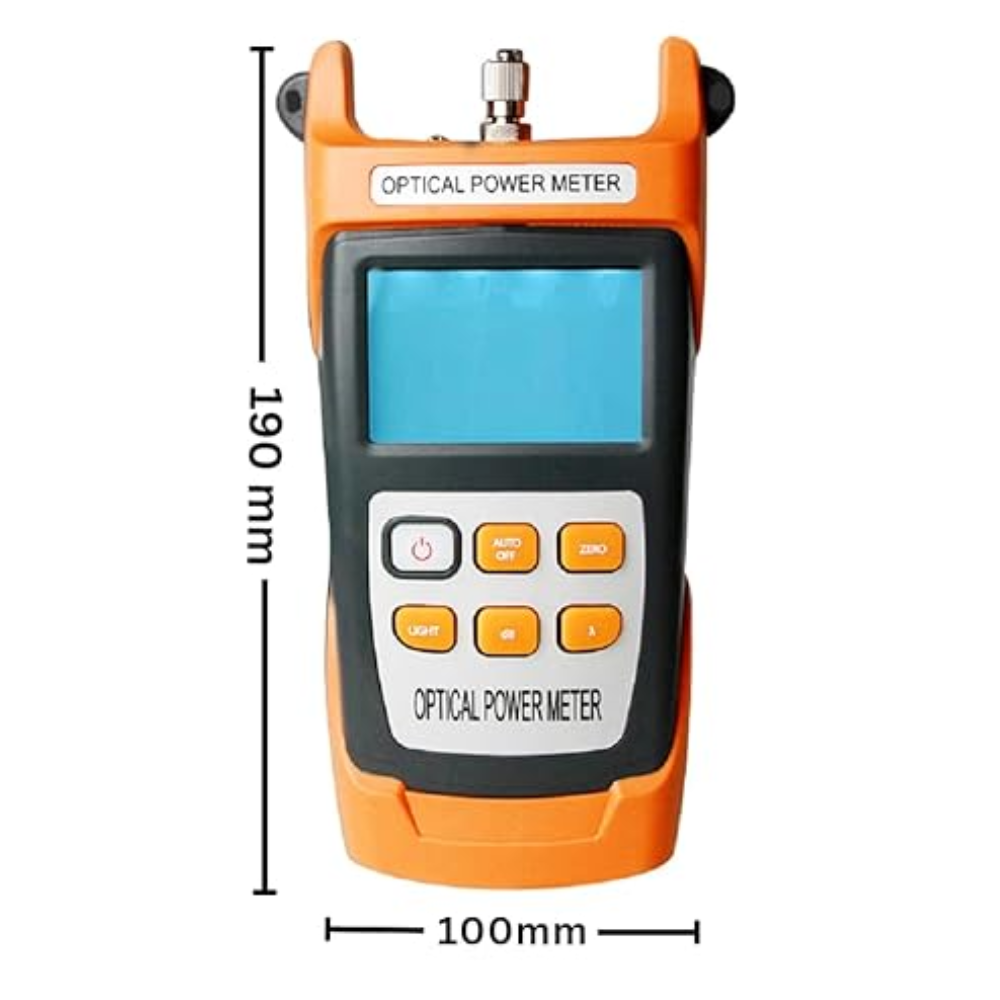
186mm*100mm*50mm

650nm VFL (optional)

2mw/5mw/10mw/20mw/30mw/50mw

Laser source (optional)

850/1300/1310/1490/1550/1625/1650nm

Measurement of Relative Power and Absolute Power

1. Absolute power: Setting the test wavelength and accessing the photometric signal, the current values displayed on the screen include linear values and absolute values of absolute optical power.

2. Relative power: The test wavelength is set, and the reference light signal is received in absolute optical power mode, and the optical power value is measured; Press the dB key at this point, and the relative power value is displayed at the moment. Then, the metering signal is connected, and the absolute power value and the relative power value of the current metering signal are displayed.

Operation instructions:

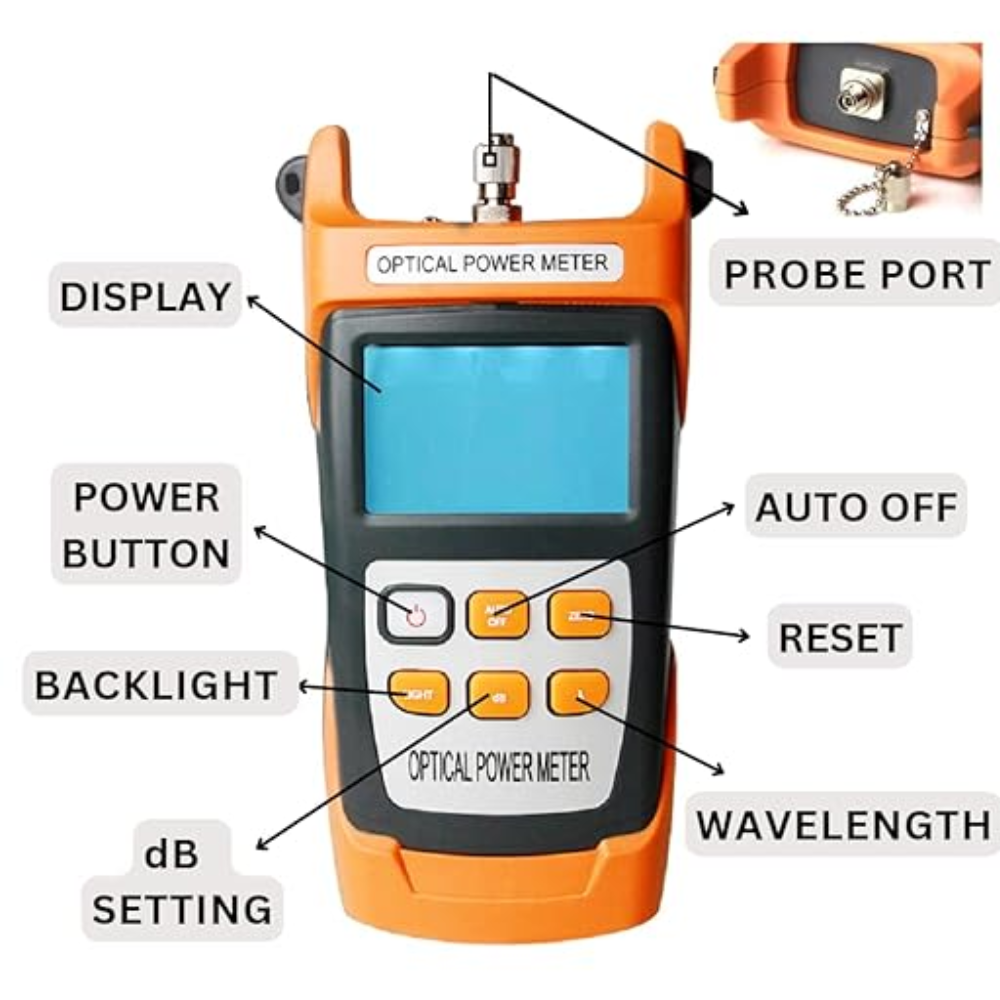
1. Turn on/off Optical power meter: Press for a second to start. Long press this button, you can power off. Lightwave multimeter: Press for a second to start. Long press this button, you can power off. Press this button to turn on or off the backlight.

2. AUTO: Press the key to turn off or turn on the automatic shutdown function; the upper left corner of the LCD will display the prompt at the same time; the automatic shutdown time is 10min.

3. ZERO: Long press this key to automatically reset, LCD right upper corner will show prompt.

4. LIGHT: Press this key to turn off or turn on the backlight; LCD displays the prompt at the top left corner.

Optical power meter with 650nm laser: Short press this button to turn off or turn on the backlight. Long press this button to turn on or turn off 650nm laser; When the red light is turned on, the red light can be normally opened and flashing with a short press of the key. Lightwave multimeter: Press this key to turn off or turn on the laser light source. LCD right upper corner will show prompt.

5. dB: The relative measurement of optical power can be carried out at the corresponding wavelength.

6. λ , Wavelength Key: 8 different test wavelengths can be selectable (850 980nm, 1300nm, 1310nm. 1490nm, 1550nm, 1625nm. 1650mm) LCD displayed the same time after setting.

Power Source Type

Battery Powered

Measurement Type

Optical Power Meter

2 reviews for Apple Watch Series 9 GPS

3.50

Average of 2 reviews

  1. admin

    Sed perspiciatis unde omnis iste natus error sit voluptatem accusantium doloremque laudantium.

  2. admin

    Sed perspiciatis unde omnis iste natus aliquam sit voluptatem exercitationem doloremque laudantium.

Add a review

Your email address will not be published. Required fields are marked *

Add to wishlist
Original price was: $51.40.Current price is: $45.55.
12%
Add to wishlist
Original price was: $18.90.Current price is: $14.69.
23%
Add to wishlist
Original price was: $67.17.Current price is: $51.38.
24%
Add to wishlist
Original price was: $59.80.Current price is: $50.69.
16%
Add to wishlist
Original price was: $212.40.Current price is: $185.33.
13%
Add to wishlist
Price range: $14.69 through $53.35
Shopping Cart

No products in the cart.

Add $ ((300 * Convert.ToDouble(exchangeRate)).ToString("0.##")) to cart and get free shipping!