FREE delivery & 40% Discount for next 3 orders! Place your 1st order in.
Shop NowType-C Secugen Hamster Pro20/HU20-AP Cable for Biometric Fingerprint Scanner
Lowest price in the last 30 days: $71.15
Type-C Secugen Hamster Pro20/HU20-AP Cable for Biometric Fingerprint Scanner
None
Description
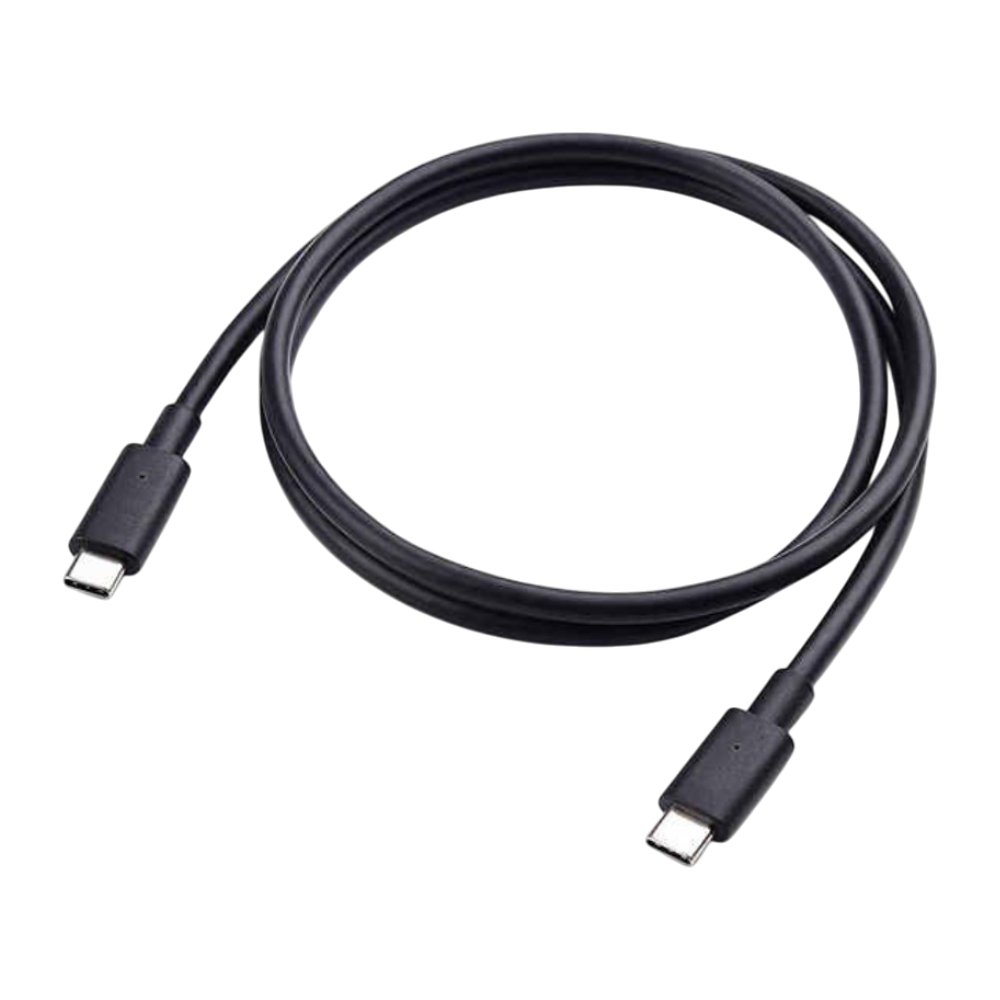
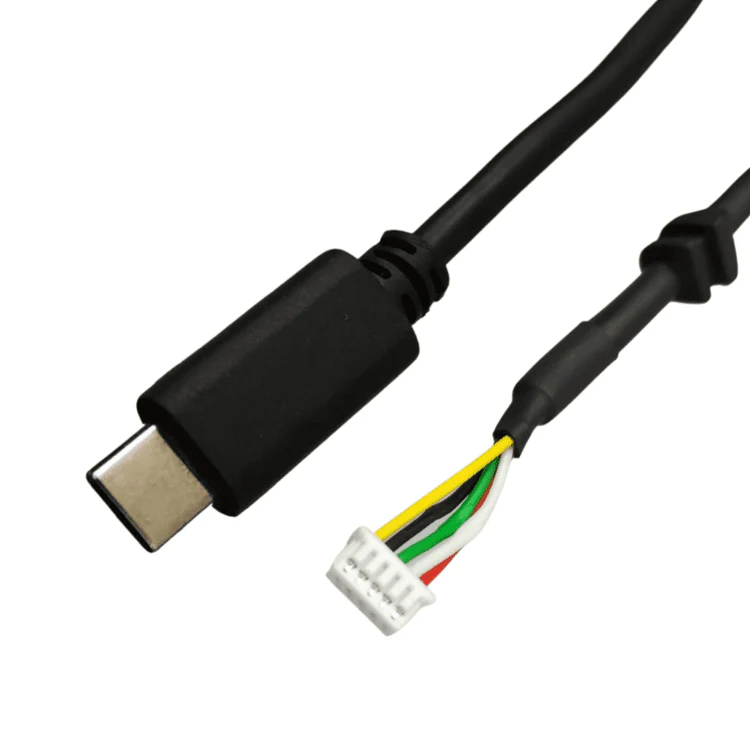
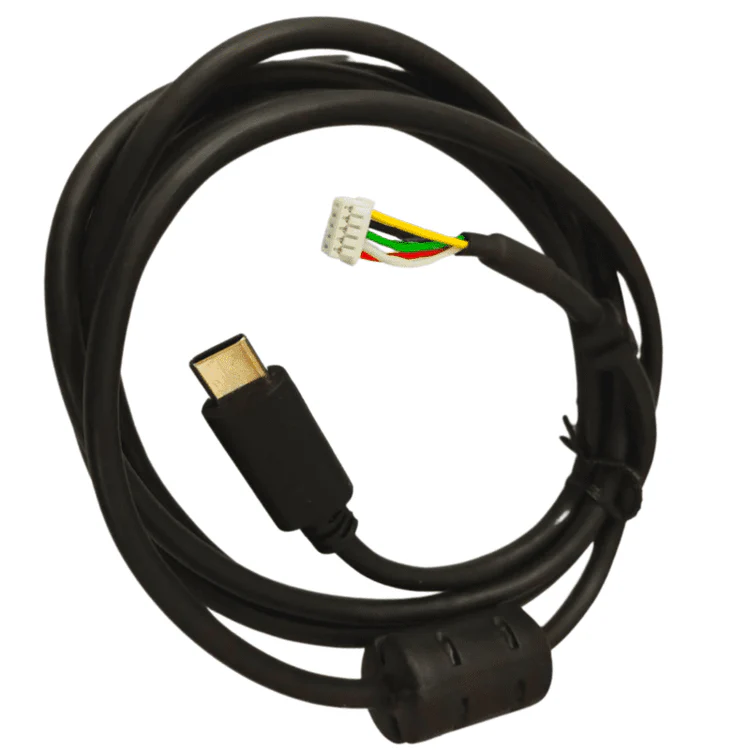
Type-C power and data cable compatible with Secugen Hamster Pro20 and HU20-AP biometric fingerprint scanners. Crafted for reliability, this Fingerprint scanner cable / Biometric sensor cable / Scanner data cable / Attendance Machine Cable / Punching machine wire / FP scanner wire ensures seamless communication between scanner and system for quick identification.
The Type-C Cable for SecuGen Hamster Pro 20 and HU20-AP Biometric Fingerprint Scanners is a reliable and high-speed connectivity solution designed for modern devices with USB Type-C ports. Perfectly compatible with SecuGen’s widely used fingerprint scanners, this cable ensures fast and stable data transfer for smooth and accurate biometric authentication. Ideal for Aadhaar-based verification, e-KYC, banking services, and other digital identity applications, it provides a secure and snug connection to prevent interruptions during critical operations. Built with durable materials, this Type-C cable is designed for long-lasting performance in both office and field environments. Whether you're working on a smartphone, tablet, or laptop with a Type-C interface, this cable makes biometric scanning more efficient and mobile-friendly. Lightweight and portable, it’s the perfect accessory for professionals who need dependable, on-the-go fingerprint scanning.
Attribute Details
Product Name Type-C SecuGen Hamster Pro 20 / HU20-AP Cable for Biometric Fingerprint Scanner
Compatible Model Nos. SecuGen Hamster Pro 20, HU20-AP, HU20-A, and other USB-C enabled models in the SecuGen Hamster Pro 20 series
Color Black
Cable Type USB Type-C
Length Approximately 1 meter
Model No. HU20-TYPEC-CABLE
Ideal For Aadhaar services, biometric authentication, banking eKYC, government portals, and CSC centers using SecuGen USB-C fingerprint scanners
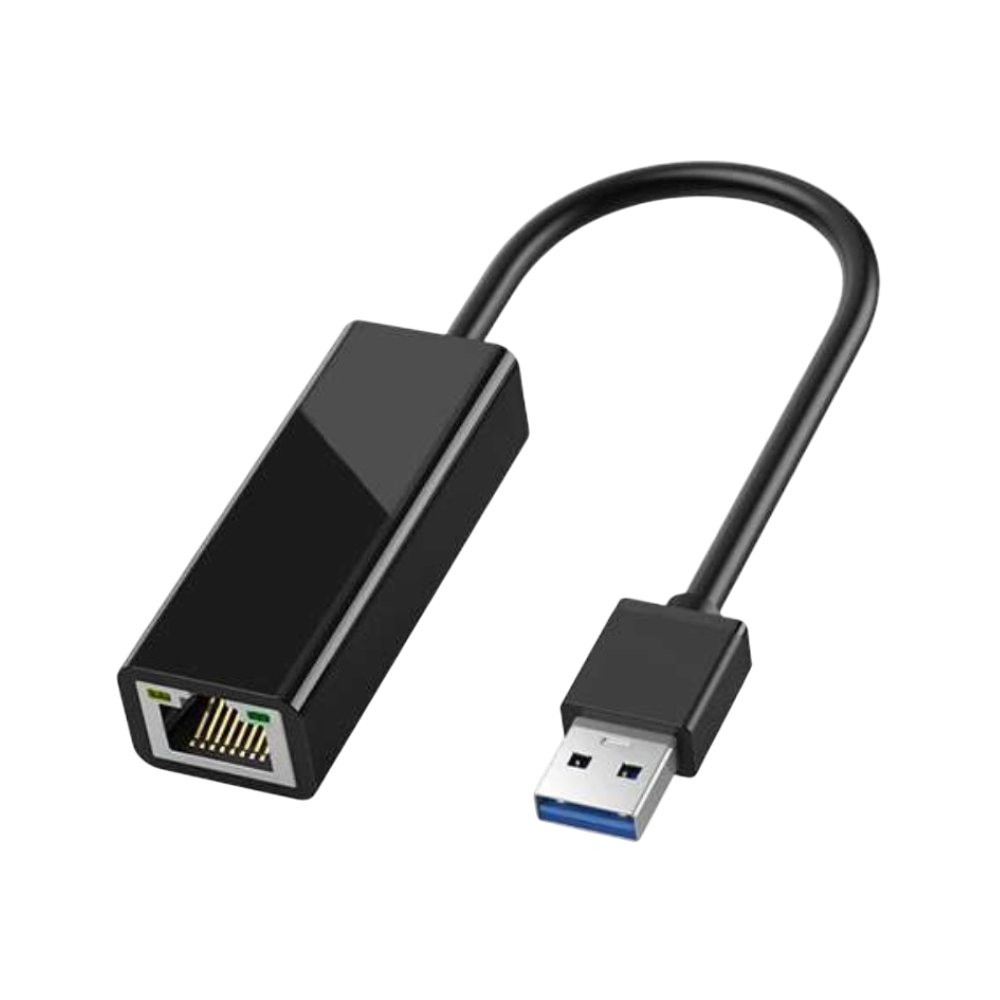
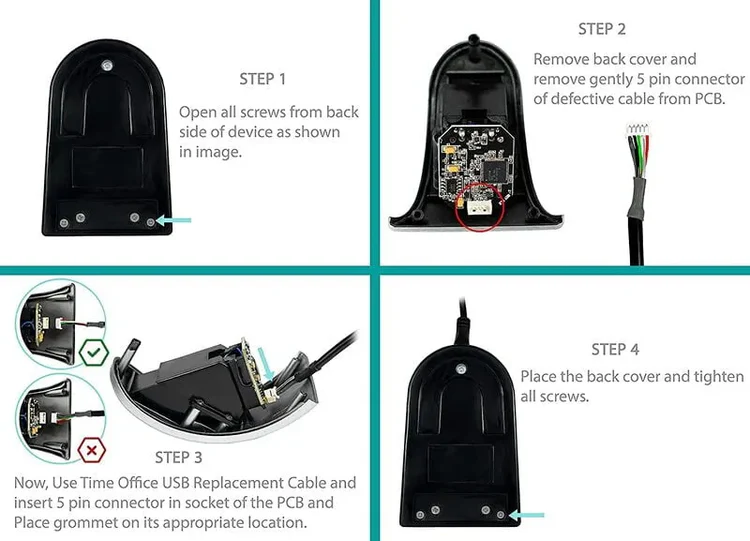
Installation Connect USB Type-C to fingerprint scanner → Plug USB Type-A into system → Device is ready for use


admin –
Sed perspiciatis unde omnis iste natus error sit voluptatem accusantium doloremque laudantium.
admin –
Sed perspiciatis unde omnis iste natus aliquam sit voluptatem exercitationem doloremque laudantium.